
TL;DR:
- Preparing a private, well-lit, and noise-controlled environment with proper camera and audio setup is essential for a comfortable online therapy experience. Testing your technology, ensuring a secure platform, and arriving early help prevent disruptions and increase engagement. The first session typically lasts around 75 minutes, focusing on building rapport, understanding confidentiality, and setting goals for therapy.
The online therapy setup process is defined as the series of steps you take to prepare your physical space, technology, and mindset before attending virtual counselling sessions. Getting this right from the start directly affects how comfortable, focused, and open you feel during sessions. Platforms such as Zoom for Healthcare, Doxy.me, and SimplePractice have made virtual therapy widely accessible, but the quality of your experience depends heavily on what you do before you click "join." This guide walks you through every stage, from choosing your room to understanding your first session's structure, so you can begin with confidence.
What physical space and environment do you need for online therapy?
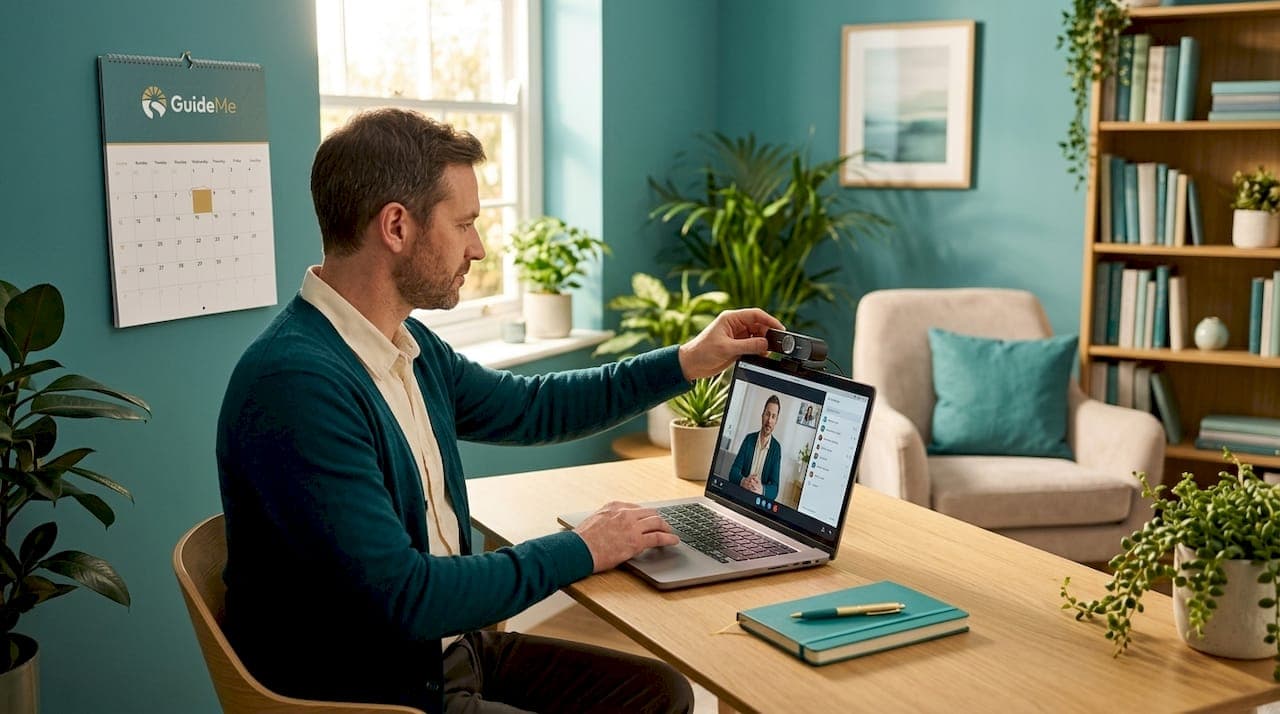
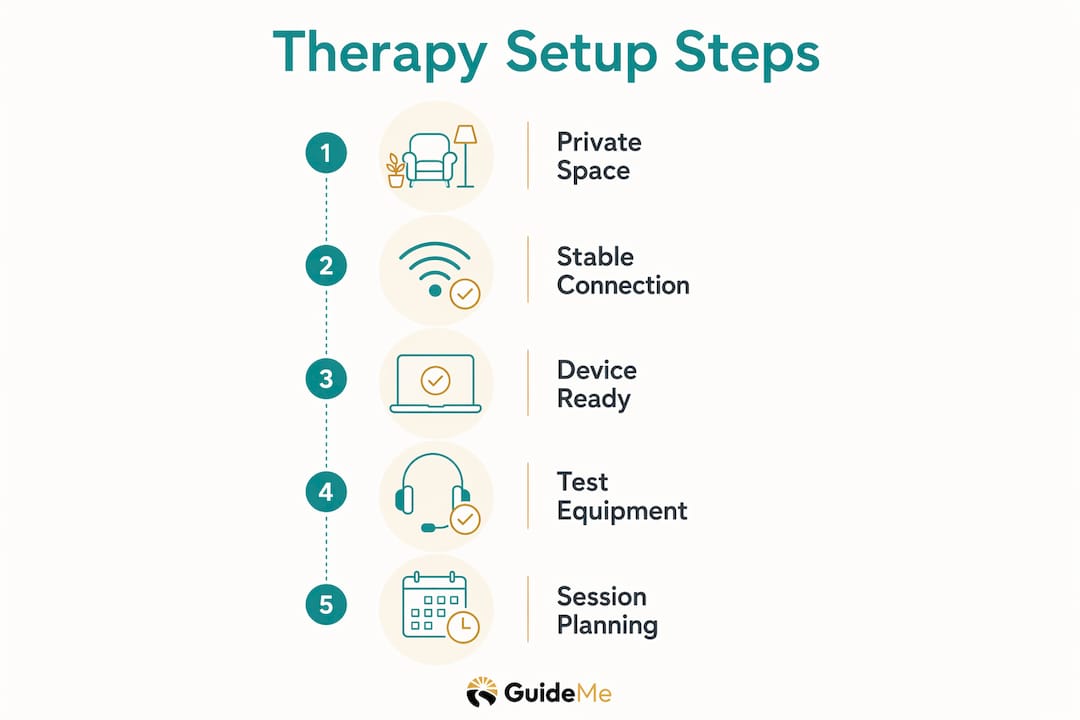
Your physical environment is the foundation of a good virtual therapy experience. A private, quiet room with a door you can close is the single most effective way to protect your confidentiality and stay present during sessions. If a separate room is not available, a car parked away from the house or a quiet corner with headphones works well as an alternative.

Lighting and camera placement matter more than most people expect. Position your device so the camera sits at eye level, not angled upward from a desk or downward from a shelf. Natural light facing you, rather than behind you, prevents your face from appearing as a dark silhouette on your therapist's screen. This supports natural, readable engagement on both sides of the call.
Audio privacy is equally important. Noise-cancelling headphones serve two purposes: they prevent others in your home from overhearing your therapist, and they stop ambient household sounds from reaching your microphone. A white noise machine or a fan placed outside the door adds another layer of sound masking. Disabling voice assistants such as Amazon Alexa or Google Home before your session removes the risk of accidental recordings.
- Choose a room with a lockable or closable door
- Place your camera at eye level using a stack of books or a laptop stand if needed
- Use noise-cancelling headphones for both audio privacy and focus
- Run a white noise machine or fan outside the door to mask conversation
- Disable voice assistants and smart speakers in the room
- Sit in a comfortable chair that supports good posture for the full session length
Pro Tip: Put a "do not disturb" sign on your door and send a quick message to anyone in the household before each session. This small step removes a significant source of mid-session anxiety.
Physical comfort supports emotional openness. When you are physically at ease, you are more likely to speak freely, which is exactly what makes therapy productive.
Which technology tools are essential for starting online therapy?
Technology is the most common source of disruption in virtual therapy, and technical interruptions are the leading cause of decreased engagement during online sessions. Testing your setup before your first appointment is the single biggest determinant of a smooth experience.
Internet connectivity is the priority. Upload speed below 5 Mbps causes video freezing and dropped calls, and upload bandwidth matters more than download speed for video therapy. A wired Ethernet connection is more stable than Wi-Fi, particularly in households with multiple people streaming simultaneously. If you must use Wi-Fi, sit as close to the router as possible and ask others in the house to pause heavy downloads during your session.
| Device type | Suitability for online therapy | Key consideration |
|---|---|---|
| Laptop or desktop computer | Best option | Largest screen, stable connection, easiest camera positioning |
| Tablet (iPad, Android) | Good option | Portable, good camera quality, use a stand for eye-level placement |
| Smartphone | Acceptable backup | Small screen reduces non-verbal cues; prop upright, never hold |
Your device preparation routine matters as much as the hardware itself. Restart your computer or tablet at least an hour before your session so that any pending updates install and complete before you need to connect. Close all unnecessary applications to free up processing power. Switch your phone to do-not-disturb mode and keep a fully charged backup phone nearby in case your primary device fails.
Log in 5 to 15 minutes early for a trial run. Test your camera, microphone, and speaker before your therapist joins. Most secure platforms include a pre-session test function for exactly this purpose.
Pro Tip: Run a video-call style speed test rather than a standard speed test website. Standard tests measure download speed, but video therapy depends on upload bandwidth. Tools such as Speedtest by Ookla allow you to check both.
Platform security is a separate but related concern. HIPAA-compliant platforms require a signed Business Associate Agreement (BAA) with the vendor, which is a legal contract confirming the platform handles your health data securely. Consumer versions of Google Meet and standard Zoom accounts do not include BAAs and are therefore not compliant for therapy use. Always use the link your therapist sends you rather than searching for the platform independently.
What can you expect during your first online therapy session?
The first virtual therapy session is structured differently from ongoing sessions, and knowing this in advance reduces anxiety considerably. The initial session typically runs around 75 minutes and focuses on building a clinical picture rather than solving immediate problems. Think of it as a thorough introduction rather than a treatment session.
Here is what the first session typically covers, in order:
- Consent and privacy review. Your therapist will walk through the consent form and explain how your information is stored, who can access it, and what the limits of confidentiality are. This is your opportunity to ask questions about the platform's security practices.
- Electronic intake paperwork. Many therapists send forms in advance, but some review them together during the session. These cover your personal history, current symptoms, and any previous therapy experience.
- History and current challenges. Your therapist will ask about your background, what brought you to therapy now, and any relevant life events. You do not need to share everything immediately. Sharing what feels comfortable is enough.
- Goal setting. Together, you and your therapist will begin to outline what you want to achieve and what a successful outcome looks like for you. This is a collaborative process, not a test.
- Overview of the therapeutic approach. Your therapist will explain the method they plan to use, such as Cognitive Behavioural Therapy (CBT) or person-centred counselling, and how it applies to your situation.
Clients benefit from bringing prepared questions to the first session and being open about their expectations. A useful resource for this is the questions to ask your therapist guide, which covers what to raise about approach, frequency, and progress tracking. The more clearly you communicate your needs from the start, the faster the therapeutic relationship develops.
How to plan around sessions and handle technical issues
Allowing buffer time before and after each session is a practical habit that most guides overlook. Ten to thirty minutes before a session gives you time to settle, review any notes, and move out of work or family mode. The same window after a session gives you space to process what came up before returning to daily responsibilities.
Common technical problems and how to address them quickly:
- Poor video quality. Switch from Wi-Fi to a wired connection or move closer to the router. Ask household members to pause streaming services.
- Microphone not working. Check that the platform has permission to access your microphone in your device's privacy settings. Restarting the application usually resolves this.
- Camera not recognised. Close other applications that may be using the camera, such as video conferencing tools running in the background.
- Session drops entirely. Switch to your backup phone and call your therapist directly. Most therapists provide a phone number for exactly this situation.
Communicating technical difficulties promptly with your therapist prevents misunderstandings and keeps the session on track. A brief message saying "my connection dropped, switching to phone" is all that is needed. Therapists who work online are accustomed to these situations and will not judge you for them.
Pro Tip: Keep your device plugged in during sessions rather than running on battery. Low battery warnings and automatic brightness reductions are distracting and avoidable.
What legal and privacy considerations apply to online therapy platforms?
Online therapy is governed by the same confidentiality standards as in-person care, but the technology layer introduces specific risks that are worth understanding. HIPAA compliance requires a signed BAA between the therapist's practice and the video platform, confirming that the vendor handles electronic protected health information (ePHI) appropriately. This is not guaranteed by a platform's branding or marketing alone.
Since enforcement discretion ended in May 2023, telehealth providers must use HIPAA-compliant platforms with proper privacy notices that disclose all data flows, including video, messaging, and scheduling tools. This means your therapist is legally required to inform you about how your data moves through their systems before or at your first session.
Key questions to ask your therapist or platform before you begin:
- Has a Business Associate Agreement been signed with the video platform?
- Does the platform use end-to-end encryption for sessions?
- Are session recordings ever stored, and if so, where and for how long?
- What happens to your data if you stop using the service?
Secure platforms provide end-to-end encryption and virtual waiting rooms to protect confidentiality. On your side, use a private network rather than public Wi-Fi, keep your device's operating system updated, and use a password-protected device. These steps, combined with a compliant platform, give you a strong layer of protection.
"HIPAA compliance is not guaranteed by platform branding alone. Explicit vendor Business Associate Agreements are essential for protecting patient data in telehealth settings."
Key takeaways
A well-prepared online therapy setup, covering your physical space, technology, session expectations, and privacy safeguards, is the most direct route to a productive and comfortable virtual counselling experience.
| Point | Details |
|---|---|
| Physical space preparation | Choose a private, quiet room with eye-level camera placement and noise-cancelling headphones. |
| Technology testing | Test camera, microphone, and upload speed at least 15 minutes before each session. |
| First session structure | Expect a 75-minute intake covering consent, history, and goal setting rather than immediate problem-solving. |
| Platform compliance | Confirm your therapist's platform has a signed BAA and uses end-to-end encryption before your first session. |
| Post-session buffer | Allow 10 to 30 minutes after sessions for reflection before returning to daily responsibilities. |
What I have learned from guiding people through online therapy setup
After working with many people at the start of their therapy journeys, the pattern I see most often is this: people spend weeks deciding to try therapy, then rush the setup on the day of their first session. That rush is where things go wrong. A frozen screen in the first five minutes of a session you have been building up the courage to attend for weeks is genuinely deflating.
The preparation steps in this guide are not bureaucratic checklists. They are the difference between arriving at your first session feeling ready and arriving feeling flustered. I have seen the therapeutic alliance flourish online when clients take the setup seriously, and I have seen it struggle when they do not. The format of therapy, whether in-person or virtual, matters far less than the quality of the relationship and the readiness of both parties.
One thing I would add that most guides miss: tell your therapist what is not working. If the lighting in your room makes you self-conscious, if the platform feels clunky, if you find it harder to open up on video than you expected, say so. Therapists who work online want to know. Adjusting the setup is far easier than working through sessions that feel uncomfortable for reasons neither of you has named.
The steps to start online therapy are manageable for anyone. The technology is not the barrier. Preparation and honest communication are what make virtual care work.
— Yetty
Start your online therapy journey with Guidemetherapy
Setting up online therapy does not need to feel complicated or uncertain. Guidemetherapy is a therapy navigation platform that matches you with the right therapist from the start, using an in-depth therapy plan built around your specific needs.
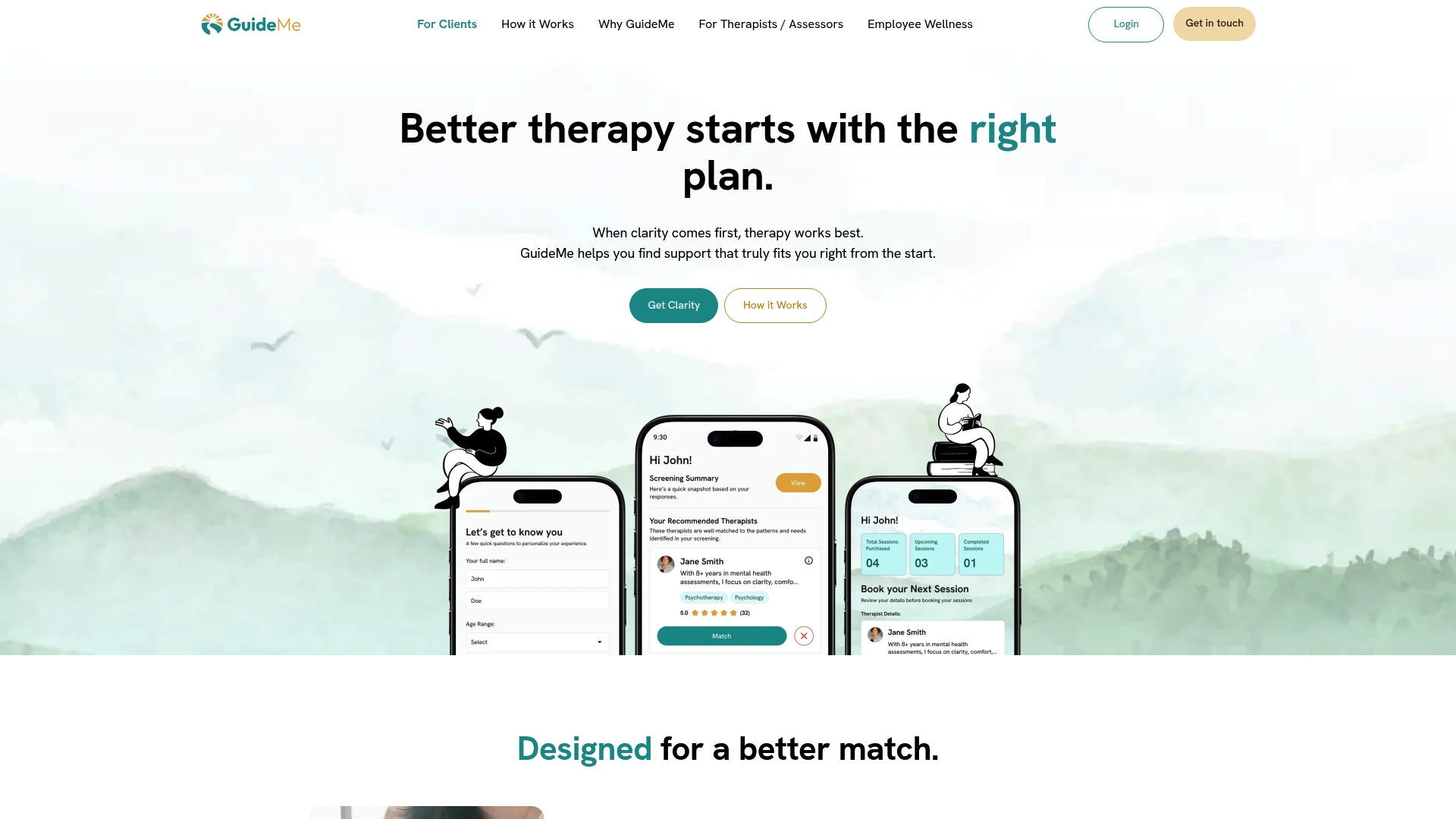
Guidemetherapy combines human expertise with AI-powered matching to take the guesswork out of finding the right fit. The platform handles secure scheduling, therapist matching, and ongoing support, so you can focus on the work of therapy rather than the logistics. Visit Guidemetherapy to begin your therapy plan and get matched with a counsellor who suits your goals, preferences, and availability.
FAQ
What is the online therapy setup process?
The online therapy setup process covers preparing a private physical space, testing your technology, and understanding what to expect from your first session. It includes checking internet upload speed, confirming platform security, and logging in early to test your camera and microphone.
How much internet speed do I need for online therapy?
A minimum upload speed of 5 Mbps is recommended for stable video therapy sessions. Upload bandwidth matters more than download speed, and a wired Ethernet connection is more reliable than Wi-Fi.
How long is the first online therapy session?
The first telehealth session typically runs around 75 minutes. It focuses on consent, intake paperwork, personal history, and goal setting rather than immediate therapeutic intervention.
Do I need a HIPAA-compliant platform for online therapy?
Yes. Therapists are required to use platforms with a signed Business Associate Agreement to protect your health data. Consumer video tools without BAAs, such as standard Zoom or free Google Meet accounts, do not meet this requirement.
What should I do if my connection drops during a session?
Switch to your backup phone and contact your therapist directly. Most therapists provide a phone number for this situation. Communicating the issue promptly keeps the session on track and avoids unnecessary concern on either side.