

TL;DR:
- A structured client support process combines documented procedures, ticket management, and AI automation to ensure consistent and efficient resolution of customer queries. It relies on centralized intake, clear escalation rules, and ongoing review to improve resolution speed and satisfaction over time. Involving frontline agents in developing and updating SOPs fosters confidence and handles edge cases effectively.
A client support process is a structured series of steps a business uses to receive, manage, and resolve customer queries consistently and efficiently. Without a defined process, support teams rely on individual judgement, which produces uneven results and erodes client trust. The most effective support operations combine documented standard operating procedures (SOPs), support ticket management systems, and AI-driven automation to handle volume without sacrificing quality. AI-driven platforms can automate up to 80% of incoming queries, freeing agents to focus on complex cases that genuinely need human attention. That figure alone makes the case for building a structured customer service workflow before your team scales.
What does an effective client support process require?
The foundation of any working client support process is a ticketing system that captures every request in one place. Without centralised intake, requests arrive through email, phone, chat, and informal channels simultaneously, and visibility collapses. A ticketing system assigns each request a unique reference, tracks its status, and routes it to the right agent or team automatically.
Beyond ticketing, three further components determine whether a support operation functions well or merely survives.
- A knowledge base. A searchable library of resolved issues, FAQs, and product guides reduces repeat queries and gives agents consistent answers.
- CRM integration. Connecting your ticketing system to your customer relationship management tool means agents see account history, previous tickets, and contract details before they type a single word.
- Documented SOPs. Policies define what the business commits to; SOPs specify exactly how agents execute those commitments. The distinction removes operational ambiguity and prevents every agent from improvising a different approach.
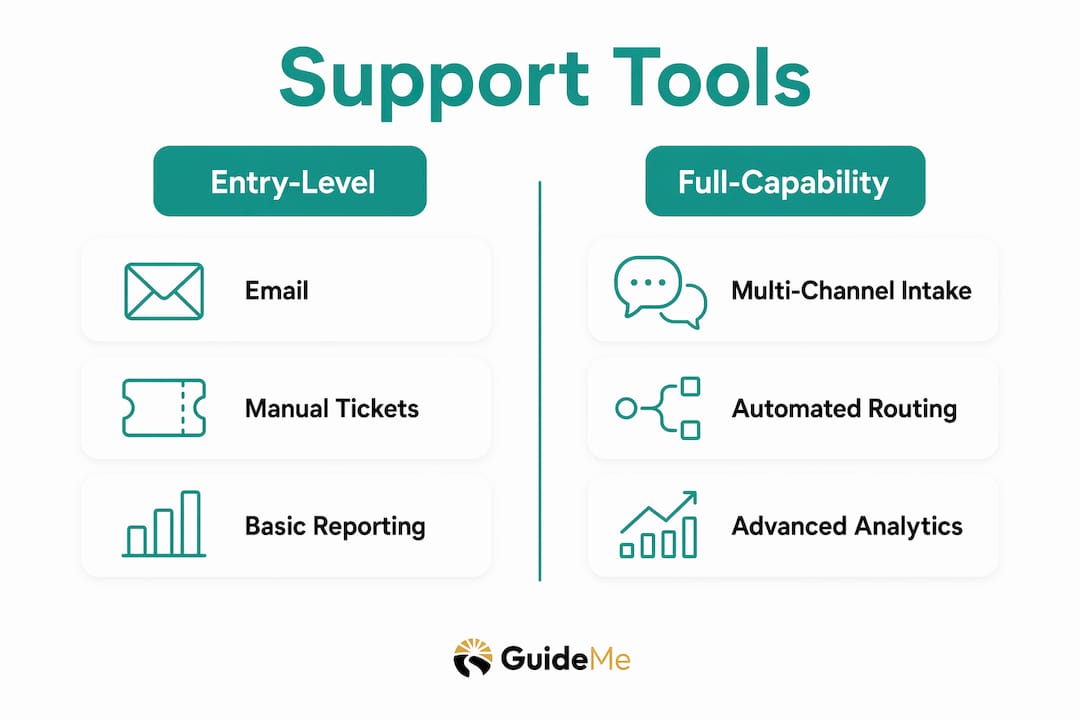
The table below compares the feature categories that distinguish entry-level support tools from more capable platforms.
| Feature category | Entry-level tools | Full-capability platforms |
|---|---|---|
| Ticket intake channels | Email only | Email, chat, phone, social |
| Automation depth | Rule-based routing | AI-driven query resolution |
| Reporting | Basic volume counts | TTR, CSAT, first contact resolution |
| SOP integration | Manual documentation | Embedded workflow templates |
| Escalation handling | Manual reassignment | Automated tier routing with context |
Choosing the right category of tool depends on your current ticket volume and the complexity of your client queries. A small team handling fewer than 50 tickets per day can operate well with entry-level tools. A team managing hundreds of daily requests across multiple channels needs AI-driven automation and integrated escalation logic from the outset.
Pro Tip: Assign a named owner to every SOP before you publish it. Without clear ownership, SOPs become outdated within months, regardless of how well they were written.
How do you design a client support workflow step by step?
Designing a support workflow means mapping every stage from the moment a client makes contact to the moment their issue is resolved and documented. Effective workflows combine well-defined inputs, decision points, stakeholder responsibilities, and integrated systems to produce consistent outcomes. Skipping any of those elements creates gaps that agents fill with guesswork.
Follow these steps to build a workflow that holds up under real conditions.
- Define your intake channels. Decide which channels are official: email, live chat, phone, or a client portal. Document this decision in your SOP so agents can redirect requests that arrive through unofficial routes.
- Set first-response standards. Live chat agents should greet clients by name within 30 seconds and confirm their understanding of the issue before offering a solution. Restating the issue in the agent's own words measurably improves satisfaction.
- Build your decision tree. Map the most common query types and assign a resolution path to each. Include decision points: can this be resolved at Tier 1, or does it need escalation?
- Document your escalation procedure. Escalate to Tier 2 if a query remains unresolved after 30 minutes or after one failed resolution attempt. The escalating agent must pass a checklist that includes customer details, fixes already attempted, error logs, and reproduction steps.
- Assign roles and ownership. Every step in the workflow needs a named responsible party. Ambiguity about who owns a step is the most common reason workflows stall.
- Test before launch. Shadow mode testing runs the new SOP alongside the existing workflow for two weeks. A frontline agent drafts the procedure, then the team trials it in parallel to surface friction points before the SOP goes live.
- Roll out in phases. Prioritise high-cost or high-risk processes first to achieve immediate consistency gains. Extend the workflow to lower-risk query types once the core process is stable.
Pro Tip: Involve frontline agents in drafting SOPs, not just reviewing them. Agents who write the procedure understand its edge cases far better than managers who approve it from a distance.
The escalation checklist in step 4 deserves particular attention. Escalation checklists that include error logs and reproduction steps prevent Tier 2 agents from repeating the same troubleshooting steps, which wastes time and frustrates clients. Treat the checklist as a handover document, not a formality.

What are the most common mistakes in client support processes?
The most damaging mistake in any support operation is allowing ticket intake through unofficial channels. When clients email a specific agent directly, message via personal accounts, or call mobile numbers, those requests bypass the ticketing system entirely. The result is invisible workload, missed SLAs, and no audit trail.
Allowing support requests through unofficial channels causes immediate visibility loss. Policies must enforce ticketing system use even for urgent cases. Clients can mark a ticket as critical and follow up with a call, but the ticket must exist first. Without it, accountability disappears and resolution times become impossible to measure.
Beyond intake control, four further mistakes consistently undermine support quality.
- Ownerless SOPs. A procedure without a named owner drifts. No one updates it when the product changes, and agents quietly stop following it.
- Ignoring edge cases. SOPs that only document the "happy path" leave agents without guidance when reality diverges. Every SOP needs a section on what to do when the standard steps do not apply.
- No feedback loop. Agents who spot a flaw in a procedure have no formal way to flag it. Without a structured feedback mechanism, the same friction point recurs indefinitely.
- Infrequent SOP reviews. A quarterly review cadence is the minimum for any active support process. High-volume teams benefit from monthly reviews tied to ticket data.
Correcting these mistakes does not require rebuilding your entire operation. Start by auditing your current intake channels and closing any unofficial routes. Then review your existing SOPs for named owners and edge case guidance. Those two actions alone produce measurable improvements in consistency.
For teams managing organisational support across multiple departments, role clarity becomes even more critical. Ambiguity about who handles which query type is a structural problem, not a personnel one.
How do you measure and improve your support process over time?
Three metrics define the health of any client support process: average time to resolution (TTR), first contact resolution (FCR) rate, and customer satisfaction score (CSAT). TTR measures how long it takes to close a ticket from the moment it opens. FCR measures the proportion of queries resolved without a follow-up contact. CSAT captures the client's subjective experience of the interaction.
Each metric tells a different story. A low TTR with a low CSAT score suggests agents are closing tickets quickly but not resolving the underlying issue. A high FCR with a declining CSAT suggests the resolution quality is slipping even when agents succeed on the first attempt. Reading the three metrics together gives a more accurate picture than any single number.
Set a formal review cadence for your SOPs and workflows. Quarterly reviews work for most teams. High-volume operations benefit from monthly reviews anchored to ticket data from the previous period. During each review, ask three questions: which query types took longest to resolve, which escalations could have been avoided, and which SOP steps generated the most agent questions.
Agent feedback is as valuable as client feedback. Frontline agents encounter edge cases daily. A structured channel for agents to flag procedural gaps, such as a shared document or a brief weekly stand-up, converts that experience into SOP improvements. Effective SOPs balance prescriptive steps for common cases with guidance for professional judgement on edge cases, avoiding responses that feel mechanical.
Pro Tip: Name a single person as the accountability owner for each metric. When TTR rises, there should be one person whose job it is to investigate and report back. Shared accountability is no accountability.
For teams supporting clients in remote or distributed settings, adaptable support workflows that account for time zone differences and asynchronous communication patterns are worth building into your SOP from the start.
Key takeaways
A well-designed client support process built on documented SOPs, controlled ticket intake, and clear escalation procedures is the single most reliable way to improve both resolution speed and client satisfaction.
| Point | Details |
|---|---|
| Define intake channels clearly | All requests must enter through the official ticketing system to maintain visibility and accountability. |
| Assign SOP ownership | Every procedure needs a named owner who keeps it current as the product and team evolve. |
| Use shadow mode testing | Trial new SOPs alongside existing workflows for two weeks before full adoption to catch friction early. |
| Escalate with context | Pass a full checklist, including error logs and fixes tried, when escalating to Tier 2 to avoid repeated troubleshooting. |
| Review metrics together | Read TTR, FCR, and CSAT as a set. Each metric alone can mislead; together they show the full picture. |
What I have learned about process and agent autonomy
I have spent a long time watching support teams implement SOPs and then quietly abandon them within six months. The pattern is consistent. A manager writes a detailed procedure, publishes it, and assumes the job is done. Agents follow it for a few weeks, encounter a situation it does not cover, and revert to improvising. The SOP becomes a document that exists but is not used.
The fix is not more detail in the SOP. The fix is involving frontline agents in writing it. When the person who handles 40 tickets a day drafts the procedure, they include the edge cases automatically. They know which client responses derail the standard path. They know which product behaviours generate confusion. That knowledge does not exist in a manager's head.
I also think the field underestimates how much agents want structure. The common assumption is that standardisation feels constraining. My experience is the opposite. Agents who work without clear procedures feel anxious. They second-guess every decision. A well-written SOP gives them confidence, not a script. The best procedures I have seen read like guidance from a trusted colleague, not instructions from a compliance department.
The living document principle matters more than any specific SOP content. A procedure that is reviewed quarterly and updated when reality changes is worth ten times more than a perfect document that is never touched again. Name an owner. Set a review date. Make updating the SOP part of the job, not an afterthought.
— Yetty
How Guidemetherapy approaches client support
Guidemetherapy is built on the understanding that finding the right support, at the right time, through a clear and structured process makes a genuine difference to outcomes.
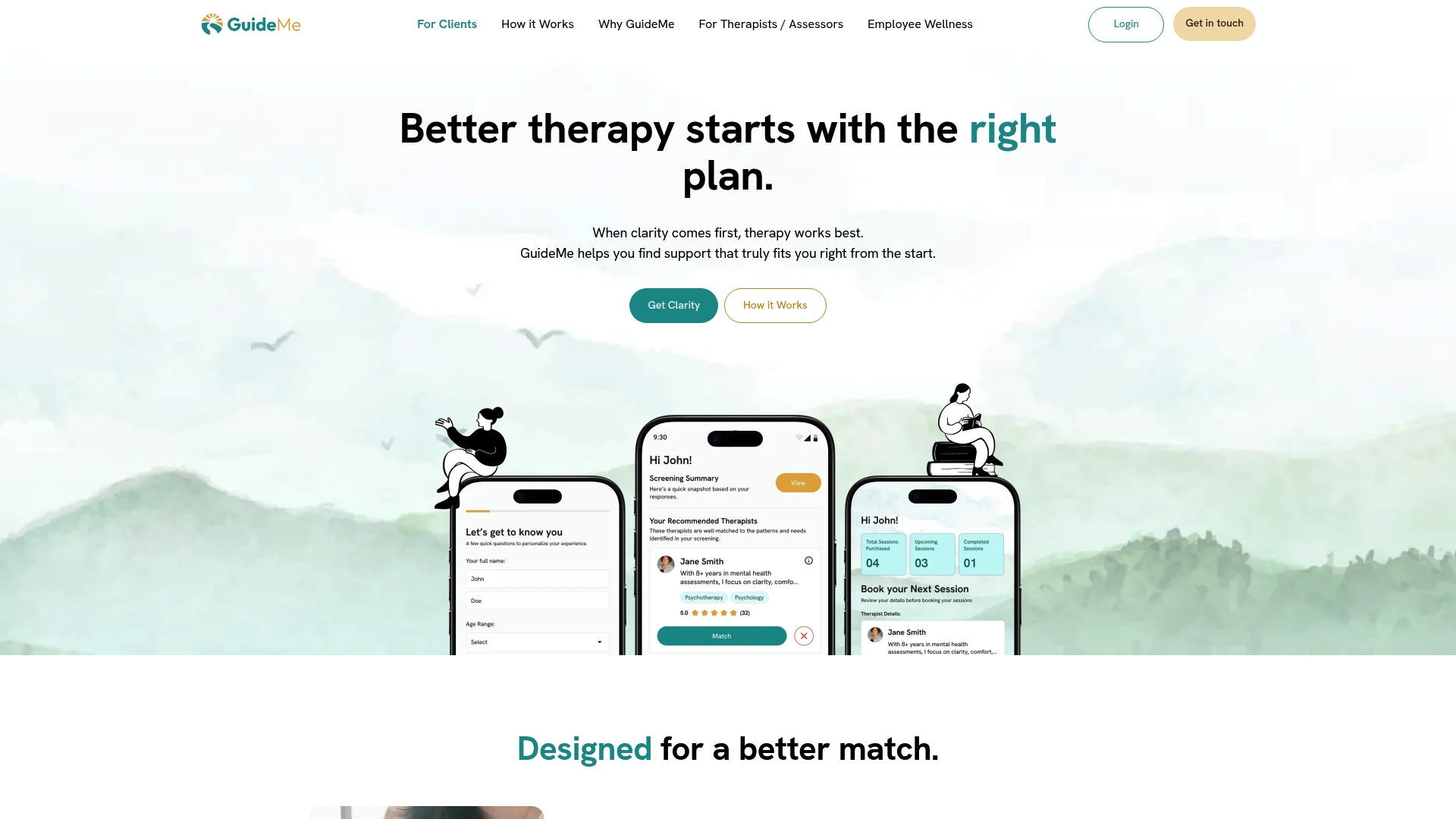
The platform combines AI-driven matching with human-led guidance to connect people with the right therapist from the start, reducing the back-and-forth that so often delays meaningful support. The same principles that make a great client support process, clear intake, defined escalation, and consistent follow-through, are embedded in how Guidemetherapy works. If you are looking for a support experience that is structured, personal, and built around your needs, visit Guidemetherapy to see how the platform works and find your match.
FAQ
What is a client support process?
A client support process is a documented series of steps a business uses to receive, manage, and resolve customer queries consistently. It typically includes intake procedures, escalation rules, and resolution standards.
How do SOPs improve client support?
SOPs remove ambiguity by specifying exactly how agents should handle each query type. They create consistent outcomes across the team and make it easier to identify where a process is breaking down.
When should a support ticket be escalated?
Escalate to Tier 2 if a query remains unresolved after 30 minutes or after one failed resolution attempt. Always include a checklist of fixes tried and relevant error logs.
What metrics should I track for support quality?
Track time to resolution (TTR), first contact resolution (FCR) rate, and customer satisfaction score (CSAT) together. Each metric reveals a different dimension of support performance.
How often should support SOPs be reviewed?
Most teams benefit from a quarterly review cadence. High-volume operations should review monthly, using ticket data from the previous period to identify which procedures need updating.